AI Image Caption Generator — Free, Any Image
Upload any image and generate captions based on real visual content — not templates. Perfect for social media, alt text, and workflows.
Free · Instant · No signup
Your captions appear here.
Real Examples You Can Copy
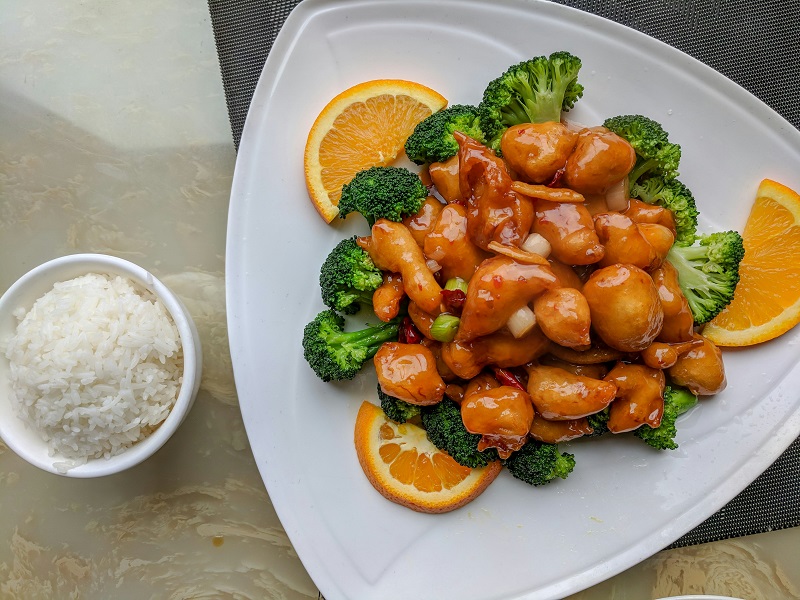
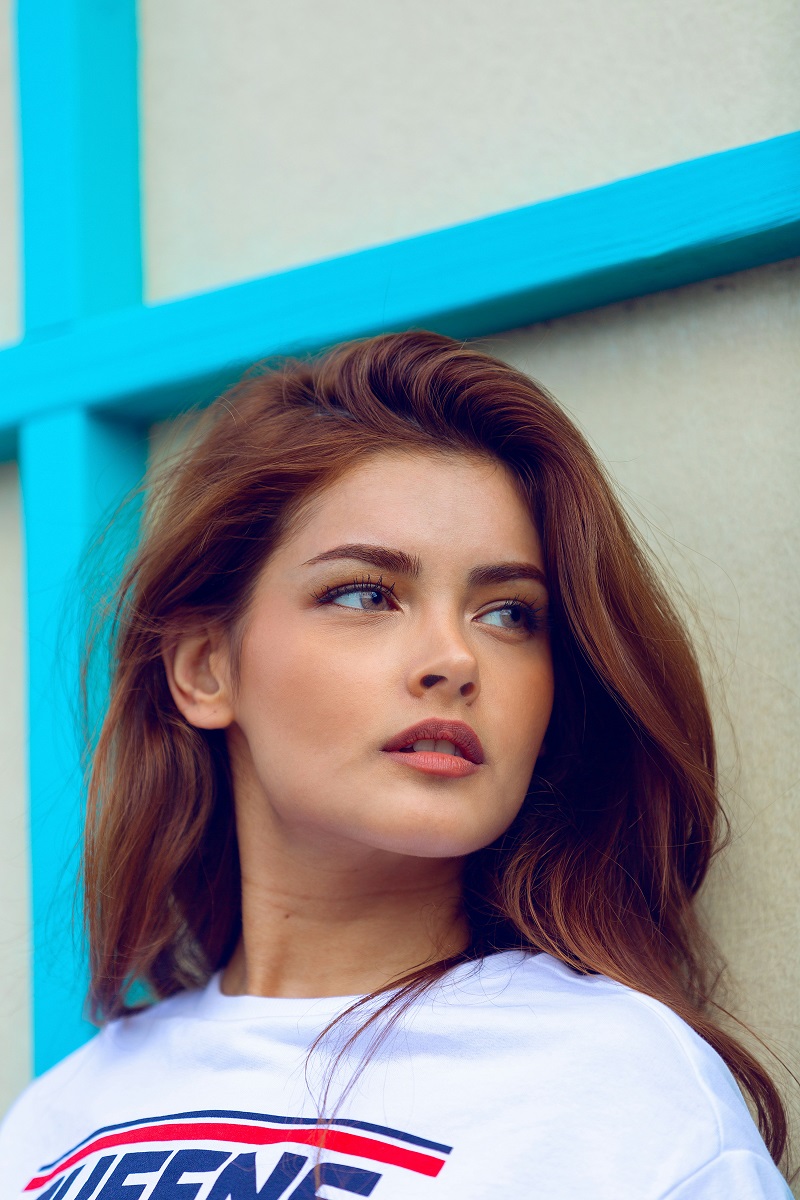
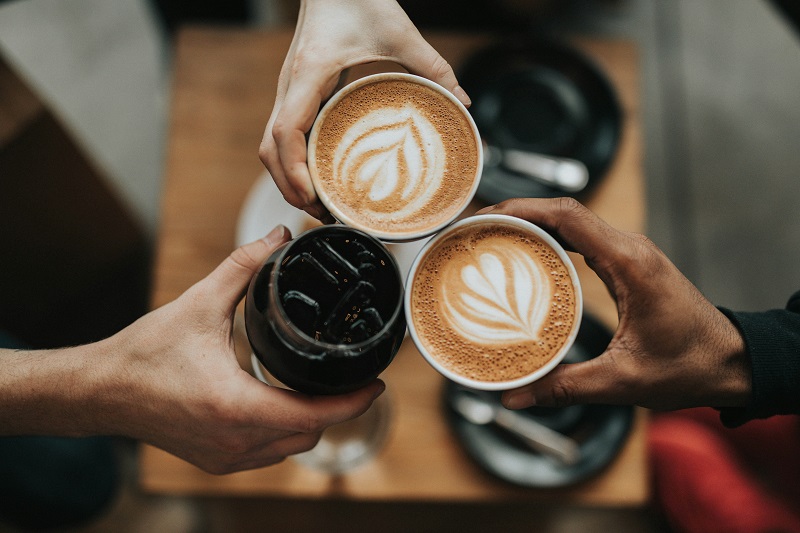
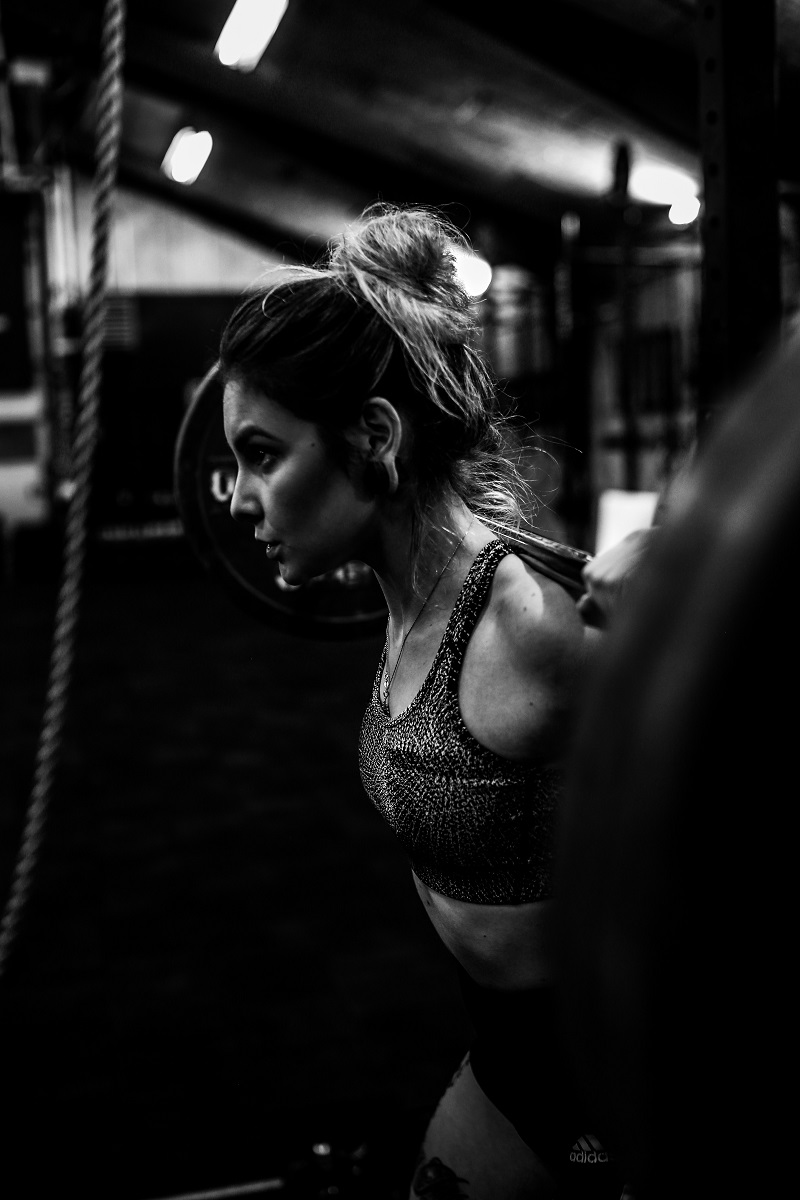
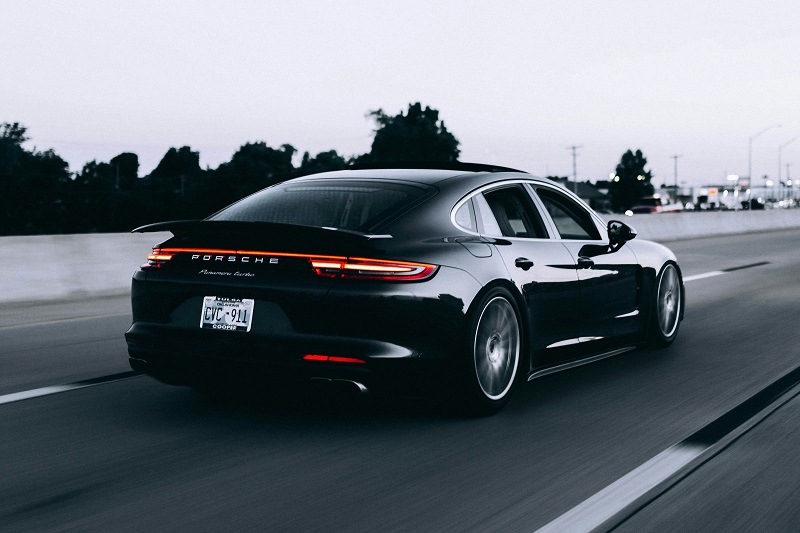
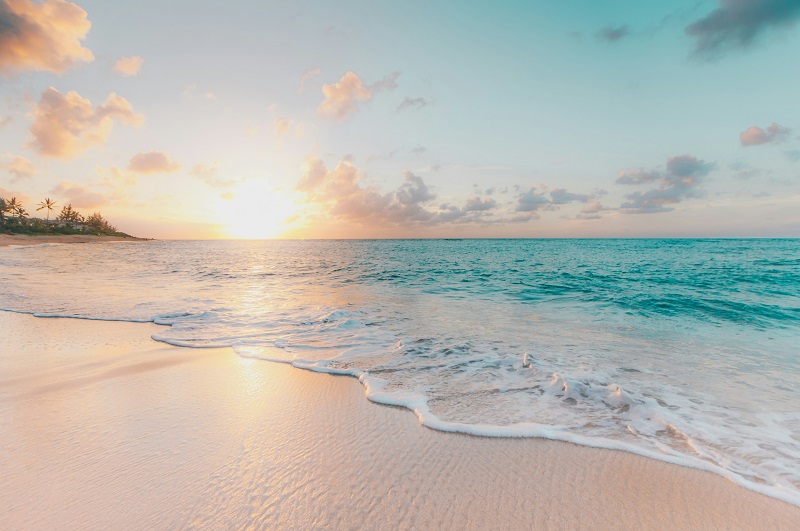
AI captions from real photos
Real captions generated from real images — ready to use.
No signup required. Your images are processed instantly and not stored.
How it works
Image to caption in 3 steps
Why it works
Why this caption generator produces usable output
Unlike template-based caption tools, this generator reads actual visual elements in your image — including composition, lighting, subject positioning, and context — then translates them into natural language.
This is why captions feel specific, not generic.
Who is this tool for?
Used by content creators, ecommerce teams, and marketers who need fast, accurate captions from images without manual writing.
Useful when you have a backlog of photos that all need captions and rewriting each one by hand has become the bottleneck. The tool produces a first-draft caption that takes the descriptive part off your plate, leaving you to add the context, voice, and angle that only you can supply.
FAQ
Frequently asked questions
Related tools
Continue your workflow
How AI image captioning works and when to use it
An AI image caption generator uses computer vision to identify what is in a photo, then a language model writes a natural description based on those visual elements. Unlike keyword generators that pull from databases, this approach reads the actual content of your image: faces, objects, scenery, lighting, and spatial relationships.
The output adapts to the tone you select. A descriptive caption for an ecommerce product listing reads differently from a casual social media post or an accessibility-focused alt text description. The tool handles all three without requiring separate prompts or manual rewriting.
When auto-generated captions actually work — and when they don’t
Auto-generated captions are uneven. After a few hundred test runs across different image types, a clear pattern emerges: AI captions are reliable for images where the subject is the photograph, and unreliable for images where the subject is a moment.
What works well: ecommerce product shots, real-estate interiors, food photography, stock-style imagery, screenshots, charts, diagrams, alt text for accessibility. In these cases the caption only needs to describe what is visible, and that is exactly what vision-language models do well. Output is usually shippable with one quick edit.
What works less well: candid photos with people, in-jokes, sarcastic posts, abstract product photography, anything with cultural or temporal context. The model can describe two friends laughing, but it can’t tell you they are laughing because of an inside joke about last summer’s road trip. It can describe a beach at sunset, but not that this is the beach where you got engaged.
The honest mental model: AI captions get you to a 70% draft for descriptive content and a 30% draft for emotional content. The remaining work is a human’s job — and it should be, because that work is the part of the caption that makes it yours.
How to write better captions — what AI gives you vs what you should add
The difference between an AI caption and a good caption is usually three small edits, not a rewrite. AI captions describe what is in the frame. Good captions describe what is interesting about what is in the frame. Three edits that turn the first into the second:
1. Cut the establishing clause. AI tools start most captions with phrases like “A close-up portrait of…” or “An overhead shot showing…” Delete those five or six words. The reader can already see it is a close-up portrait. Starting at the second clause makes the caption feel less like a stock-photo description and more like a sentence written by a person.
2. Add specificity to one detail. “Soft lighting” becomes “soft afternoon lighting through east-facing windows.” “Warm tones” becomes “warm tones from the kitchen lamp at dinner.” One specific detail signals the photograph was paid attention to. Two or more details is too many — the caption starts to read like a checklist.
3. Add a beat of context the AI couldn’t see. “Her birthday.” “After the move.” “Two hours before deadline.” “First sourdough attempt.” The AI doesn’t know any of this from the pixels alone. Adding one short phrase of context is what shifts a caption from generic to personal — and it usually adds fewer than ten words.
Most AI-generated captions take 30 to 60 seconds to edit into something publishable. The point of a caption tool is to start at a draft, not to replace the writing.
Caption requirements by platform
Different platforms have different caption mechanics. The character limits matter less than the visible-by-default cutoffs, where readers either commit to expanding the caption or scroll past.
Instagram allows captions up to 2,200 characters, but only the first 125 characters appear in the feed before “more” truncates the rest. The hook lives in those first 125 characters. Hashtags can sit at the end of the caption or in the first comment with no measurable difference in reach. Most accounts that look professional keep captions under 300 characters and use 5 to 10 hashtags.
LinkedIn allows up to 3,000 characters, but engagement falls sharply past 1,300. The “see more” cutoff is at 210 characters on desktop and 140 on mobile, so professional captions front-load the most quotable line. Hashtags are limited to three before the post starts looking like spam.
X (formerly Twitter) is capped at 280 characters for free accounts, or 25,000 for Premium. Captions optimised for retweet velocity stay under 240 characters to leave room for quote-tweet commentary above. See the official X character-counting documentation for the exact rules around URLs and emoji weights.
TikTok raised its caption limit to 4,000 characters in 2023, but the first 150 characters are what appears above the “more” fold. Hashtags inside the caption count toward the limit. Most viral posts use 3 to 5 hashtags and keep the visible portion under 100 characters.
Alt text for accessibility is not formally character-limited, but most assistive technologies truncate around 250 characters, and the W3C WCAG 1.1.1 guidance on non-text content recommends concise, descriptive text. Aim for 125 to 150 characters.
How this tool compares to alternatives
Caption generation is not a new problem, and there are several reasonable tools depending on the volume and consistency you need.
If you already pay for ChatGPT Plus or Claude Pro and you are happy uploading images one at a time, you can get equivalent caption quality from those tools by writing a short prompt. The trade-off is the 20 to 40 seconds of prompting per image. This generator wraps the same class of vision-language model with a tone picker, character counter, and editable result, so the prompting step is collapsed into a tap.
If you need to caption hundreds of images at once, neither this tool nor a chat interface is the right fit. The right answer is a scripted workflow using the OpenAI or Anthropic API directly, with consistent prompt templates and a results file. That is a half-day of engineering work but pays back quickly past about 200 captions.
If you need captions in a specific brand voice across thousands of posts, no general-purpose tool will give you that. The right answer is a fixed prompt template, a brand-voice context string, and a small editorial review process to catch the captions where the model loses the voice. The tool on this page can act as the first-pass generator inside that workflow, but it is not the whole workflow.
Common use cases
- Writing product descriptions from catalog photos at scale
- Generating alt text for website accessibility compliance
- Drafting social media captions from event or lifestyle photos
- Creating image descriptions for CMS and DAM systems
- Building training datasets that need image-text pairs
For platform-specific captions, use the Instagram caption generator for posts with hashtags, the LinkedIn caption generator for professional posts, or the TikTok caption generator for hook-driven short captions.