TikTok Caption Generator — Hook Every Scroll
Upload any image or thumbnail and get TikTok-optimized captions instantly. 6 formats built for TikTok's scroll behavior, algorithm, and audience.
Real Examples You Can Copy
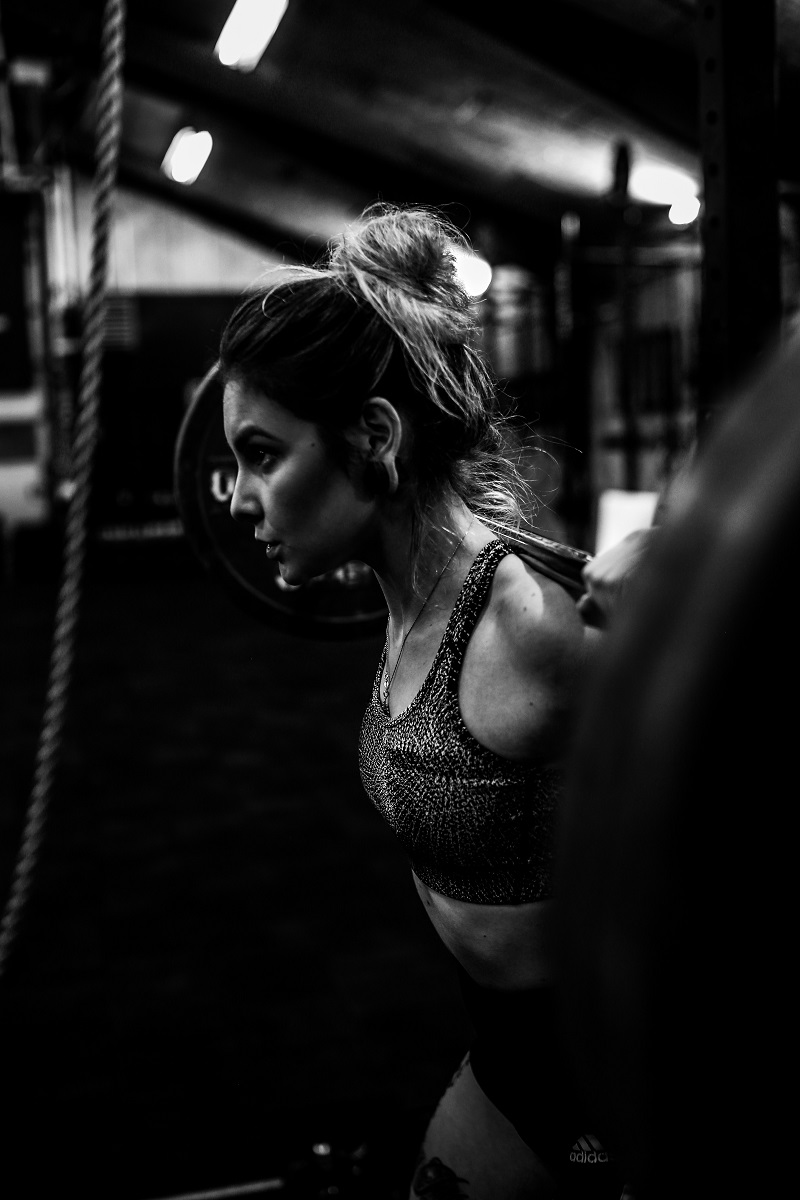
TikTok captions from real stills
Short, scroll-stopping captions generated from real thumbnails — ready to paste.





How to Use This Tool
3 steps to the perfect TikTok post
Why TikTok captions need their own tool
TikTok is a different language
TikTok users decide in under 2 seconds whether to keep watching. Hook-style captions need to stop the scroll before the video even loads. Generic caption tools write for Instagram length — this one writes for TikTok timing.
The sweet spot is under 150 characters. Every format in this tool is calibrated to TikTok's caption display — not LinkedIn paragraphs, not Instagram hashtag dumps.
The Trending format includes 3-5 relevant hashtags because TikTok uses caption keywords for discovery. The Hook format skips hashtags because they clutter the preview. This tool knows the difference.
For the daily-poster workflow where the hook needs to be strong every time and the well runs dry by week two. The output gives you a hook, POV, or trending-format draft sized for TikTok’s above-the-fold cutoff, which you then edit into your own voice.
FAQ
Frequently asked questions
Upload any image or thumbnail, choose a caption format (Hook, Trending, POV, Funny, Challenge, or Aesthetic), and the AI analyzes your image to write 3 TikTok-optimized captions. Each format is calibrated for TikTok's specific length limits, tone, and discovery algorithm.
For captions without TikTok-specific hook formats, try the general image caption generator.Short (under 150 characters), starts with a hook, uses natural TikTok language, and often includes a CTA or question that drives comments. Hashtags help in the Trending format — 3-5 targeted ones, not 30 generic ones.
Yes, completely free. No account, no credits, no usage limits. You can also use the Instagram caption generator and LinkedIn caption generator for free.
Yes. Hook and Trending formats work equally well for Instagram Reels and YouTube Shorts. The short-form, hook-first structure applies across all short-form video platforms.
The Trending format includes 3-5 relevant hashtags by design. Other formats skip them — Hook and POV captions perform better in the preview without hashtag clutter. For a dedicated hashtag set, use the Image to Hashtags tool.
The Instagram tool writes longer, hashtag-dense captions for Instagram's format. This TikTok tool writes shorter, hook-first captions built for TikTok's scroll behavior and algorithm. Same image, completely different output.
Related tools
Continue your workflow
How TikTok captions actually work
TikTok captions are not the post — the video is. The caption supports the video, sets up its context, and earns the engagement signals (comments, shares, completion) that the For You Page weighs heavily. Below is a short editorial primer on what works specifically on TikTok — the parts the AI handles well and the parts it does not.
The caption’s relationship to on-screen text
Most TikTok creators use text overlays inside the video itself for hooks, captions, and reveals. This is different from Instagram or YouTube where the caption is the primary text. On TikTok, the on-screen text and the caption serve different jobs and should never duplicate each other.
The on-screen text is the hook — it needs to land in the first 1-2 seconds before viewers swipe away. The caption is the context that earns the comment, share, or save. What works: a hook in the on-screen text (“how I gained 100k followers in 6 months”) paired with a caption that adds context the video does not convey (“started in March 2025 with zero following — here’s the timeline”). What does not work: the same text in both places, or a caption that just re-states the video’s topic.
The four TikTok caption shapes that work
Most successful TikTok captions fit one of these four patterns. Each plays a different role.
The setup caption. 1-2 short lines that frame what the viewer is about to see, often with a small twist. “I tried this 6 times before it worked. Don’t skip step 3.” Increases completion.
The reveal caption. The caption gives away one key piece of information that makes the video make sense. “POV: you just realized the cat was always the camera operator.” The caption is the punchline; the video is the setup.
The question caption. Asks something specific tied to the video. “Which Hogwarts house would your dog be in?” Earns comments because viewers can answer with their own example.
The hashtag-only caption. Three to five hashtags, no other text. Used when the on-screen text already does all the work. Surprisingly common on high-performing TikToks.
What AI captioning does and does not handle on TikTok
AI captioning works better on TikTok than on most platforms because TikTok captions are short and rarely require the personal context that Instagram and LinkedIn captions need. The drafts are usable on more posts.
What AI handles well: setup captions for visually descriptive videos, hashtag selection from visible content, generic POV format starts, recipe and how-to captions where the steps are the value. What AI struggles with: trending format captions (the AI does not know what is trending this week), inside-jokey captions that reference TikTok subculture, and captions that play with current platform language. For these, an AI draft is at most a starting point that needs heavy rewriting.
The three edits most AI TikTok captions need: (1) cut every word that’s not earning its space — AI captions tend to be 10-30% too long; (2) replace generic descriptors with specific ones (“a great pasta recipe” becomes “the only pasta my picky 6-year-old asked for twice”); (3) add a platform-native shape — starting with “POV:”, ending with a question, or using lowercase-only signals to viewers that you understand the platform.
For longer professional captions, see the LinkedIn caption generator. For Instagram-native hook-driven captions, see the Instagram caption generator. For platform-agnostic captions, the universal caption generator is the faster path.