Get Imagen-ready prompts in seconds — in the structure Gemini wants
Imagen wants structured prose, not tags. Get subject, style, lighting, and composition in the format it renders best.
Upload → generate → copy in seconds.
Free · Gemini-optimised · No signup
Real Examples You Can Copy
Imagen-shaped prompts from real photos
Real prompts generated from real images — ready to use.
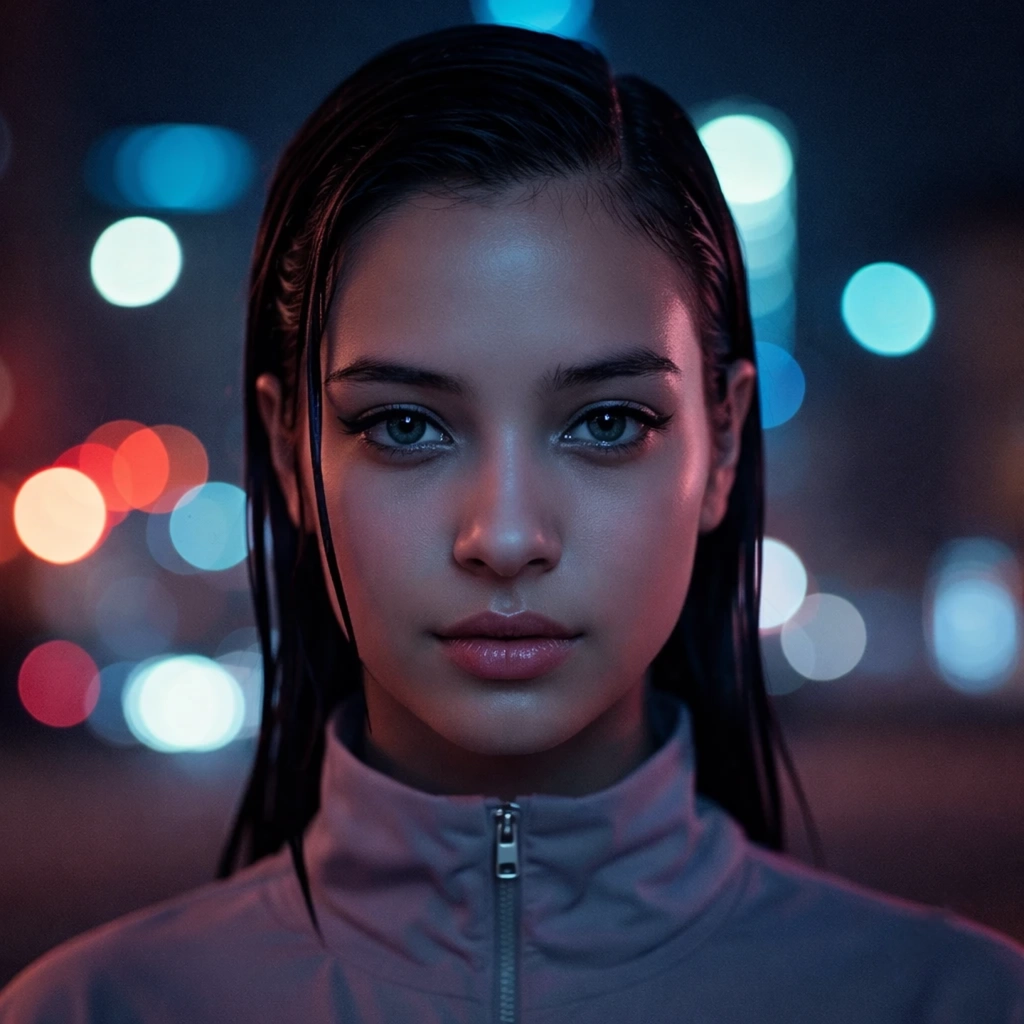

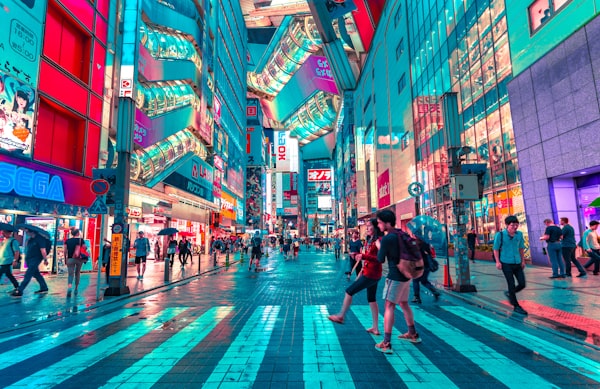
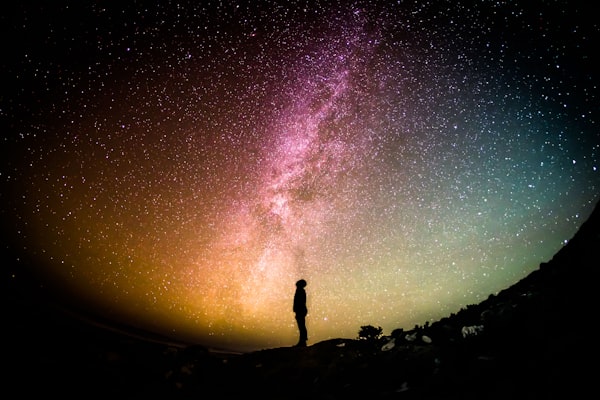
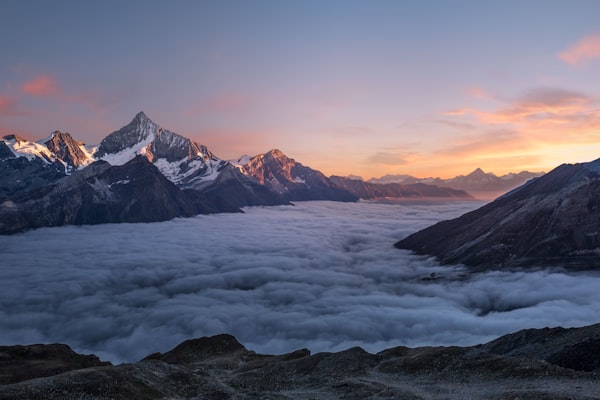
How to Use This Tool
Image to Gemini prompt in 3 steps
Why it works
Why these prompts work in Gemini Imagen
Gemini Imagen renders best with structured descriptive prose, not terse tags or parameters.
Part of the image-to-prompt toolkit. Also works with other models — try the Midjourney generator, Stable Diffusion generator, or Flux prompt generator.
How Gemini Imagen structures prompts
Gemini Imagen responds best to structured descriptive prose — subject, style, lighting, and composition stated in sequence. Unlike Midjourney, which allows flexible parameter ordering, Imagen expects a clear narrative describing what the image should contain and how it should look.
Imagen and Gemini respond best to structured prompts that name subject, style, lighting, and composition as distinct components. The output here is shaped that way, which avoids the typical issue of pasting a Midjourney-formatted prompt and getting an inconsistent result.
FAQ
Frequently asked questions
Related tools
Continue your workflow
If you’re also rendering through Midjourney, Stable Diffusion, or Flux, the matching generators below produce the same image in those formats.
How Gemini Imagen prompts actually work
Gemini and Imagen sit closer to conversational AI than to traditional image-generation models. They handle both structured prompts (subject / style / lighting / composition stated as components) and natural-language descriptions equally well — but the failure mode is over-prompting rather than under-prompting. Below is a short editorial primer on how to get useful output from Gemini and what to do with the prompts this tool generates.
Gemini accepts both structured and conversational prompts
Imagen 3 (the model behind Gemini’s image generation) is unusual in being permissive about input format. A structured prompt that names “Subject: a vintage motorcycle. Style: editorial photography. Lighting: golden hour, side-lit. Composition: low angle, three-quarter view” produces good output. So does the same information in flowing prose — “A vintage motorcycle in editorial-style photography, lit by golden hour from the side, shot from a low three-quarter angle.” The model parses both cleanly.
This tool defaults to flowing prose because it tends to read more naturally and is easier to edit. If you prefer the structured format for a workflow that benefits from explicit components, you can rearrange the output into labelled sections without losing fidelity.
The over-prompting risk
The biggest mistake on Gemini is treating it like Stable Diffusion and stacking modifiers. A 100-token prompt with three style references, four lighting descriptors, and two composition cues produces flatter output than a focused 40-token prompt that picks one style, one lighting direction, and lets the model handle the rest.
This is because Imagen has stronger defaults than older models. When you under-specify, the model fills in coherent choices; when you over-specify, the model tries to satisfy all the constraints simultaneously and lands on a generic average. Less is genuinely more on Gemini.
Quality and safety filters interpret prompts strictly
Gemini runs prompts through both a quality-prediction layer and a safety classifier. Some patterns that work on Midjourney or SD will be rejected or watered down on Gemini even when the intent is benign. Specifically: named real people, copyrighted characters, brand names, and certain artistic styles (e.g. “in the style of [contemporary artist]”) are filtered more aggressively. The tool defaults to art-movement language rather than artist-name references for this reason.
If a prompt gets refused or produces a heavily-altered image, the most likely fixes are removing brand or person names, swapping artist references for descriptive style language, and softening anything that reads as politically or socially loaded.
What to edit before submitting
Three quick adjustments to most generated Gemini prompts. Cut one stylistic modifier. Generated prompts often include both a medium descriptor (“photography”) and a style descriptor (“editorial”) and an aesthetic descriptor (“moody”); pick the two strongest and drop the third. Replace artist names with art-movement language. If the tool emitted “in the style of [name],” swap for “in the style of [movement]” (impressionist, art nouveau, baroque, etc.) — this passes the safety filter more reliably and is also a more honest stylistic specification. Add one concrete detail. Imagen rewards specific over abstract; replacing “dramatic lighting” with “single overhead source casting hard shadows” produces noticeably better output.
For prompts in other models’ formats, see the Midjourney generator, Stable Diffusion generator, Flux generator, or the generator hub for the full comparison.