Skip writing SD negative prompts by hand — get both halves instantly
Stop hand-writing positive tags and negatives. Get a complete SDXL prompt — both halves, weighted correctly — in one step.
Upload → generate → copy in seconds.
Free · Positive + negative · No signup
Real Examples You Can Copy
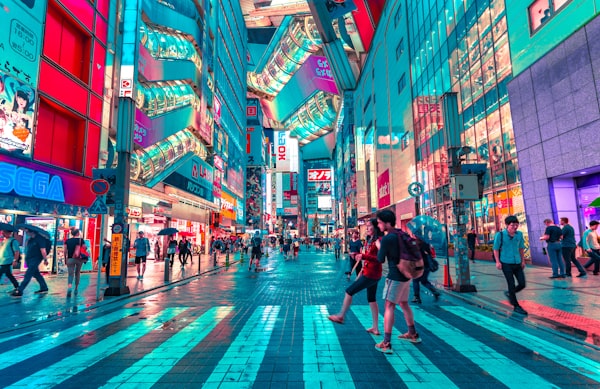
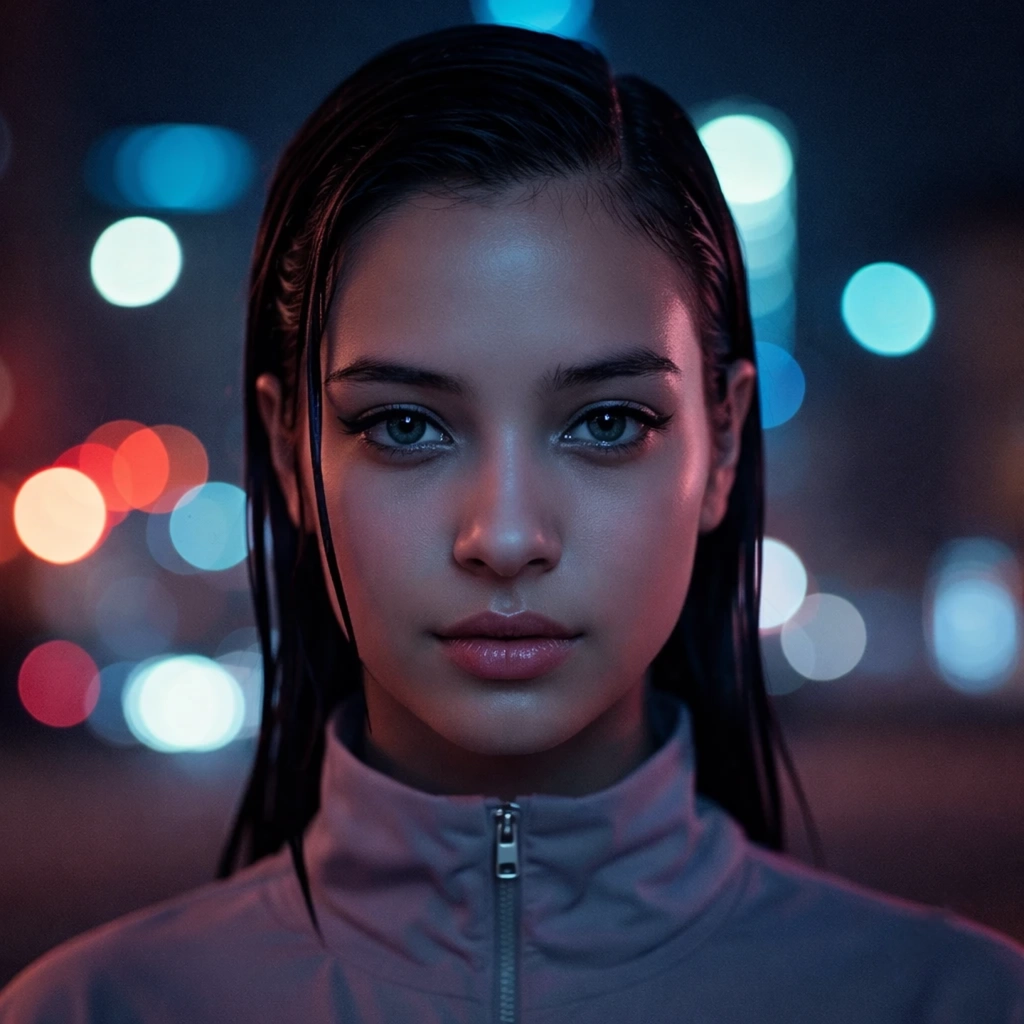
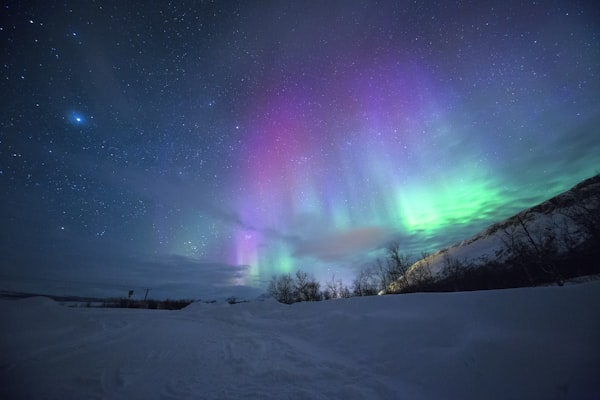
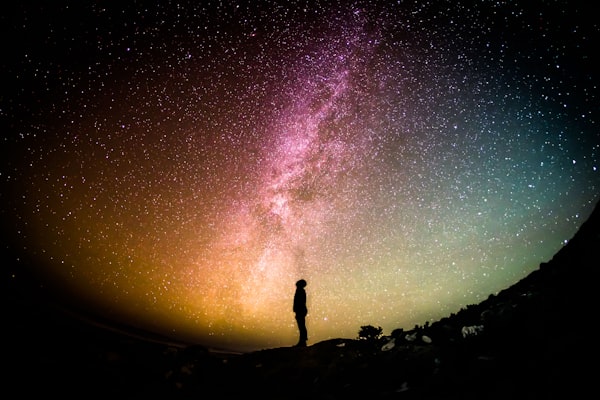
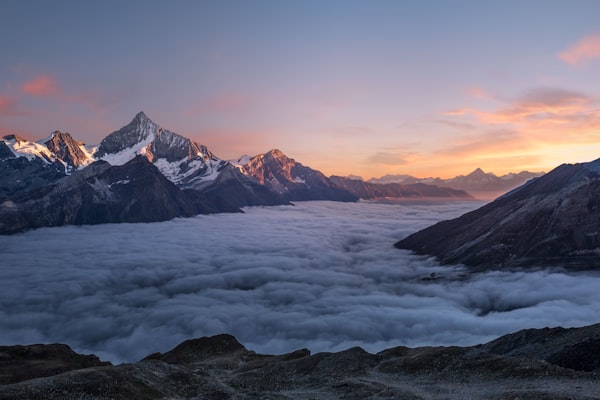
From photo to SD-ready prompt — positive + negative
Real prompts generated from real images — ready to use.

How to Use This Tool
Image to SD prompt in 3 steps
Why it works
Why these prompts work better in Stable Diffusion
SD needs tag syntax with weighted tokens plus a matching negative prompt — this handles both.
Part of the image-to-prompt toolkit. Also works with other models — try the Midjourney generator, Flux prompt generator, or Gemini generator.
Why negative prompts matter in Stable Diffusion
Negative prompts tell Stable Diffusion what to exclude from the output — artifacts, unwanted styles, distorted anatomy. Without a well-written negative prompt, SDXL often produces visual noise or unintended elements. This tool generates both positive and negative halves so the model has clear constraints from the start.
Stable Diffusion (SDXL especially) responds well to paired positive and negative prompts. This page produces both from the source image — the positive prompt describing what you want, the negative prompt listing the common artefacts to suppress for that subject type.
FAQ
Frequently asked questions
Related tools
Continue your workflow
If you’re running multiple models off the same reference, these sibling generators give you the same image in MJ, Flux, or Gemini syntax.
How Stable Diffusion prompts actually work
A Stable Diffusion prompt has two halves — the positive prompt that describes what you want, and the negative prompt that suppresses what you do not. Both halves go through the same text encoder and produce conditioning signals that steer the diffusion process. Below is a short editorial primer on what makes an SD prompt different from prompts for other models, and what to do with the output of this tool.
Token weighting and why parentheses matter
Stable Diffusion accepts explicit weighting on tokens via parentheses: (red:1.3) increases the weight of “red” by 30%, (red:0.7) decreases it. This gives you control the other major image models do not — Midjourney has no token-weighting equivalent, Flux ignores parentheses, and Gemini interprets them inconsistently.
The tool emits prompts with weights already in place for the elements that benefit most from emphasis (subject, primary style, key lighting). You can leave them as-is, or adjust: bumping a weight to 1.4-1.5 forces the model to lean harder; dropping below 1.0 backs off. Weights above 1.5 or below 0.5 tend to produce artefacts.
The negative prompt does real work on SD
For SD specifically — unlike Midjourney or Flux — the negative prompt is a first-class input, not a hint. It runs through the same text encoder as the positive prompt and produces a separate embedding that steers the denoising process away from those tokens. This is why SD prompts need both halves to work properly.
The tool generates both halves from the image. Common items in the negative: anatomy artefacts (extra fingers, distorted hands), quality artefacts (blurry, low quality, jpeg artefacts), and unwanted style drift (e.g. cartoon, anime for photo-style work). For more on negative-prompt craft, see the dedicated negative prompt generator.
SDXL vs SD 1.5 — the prompt looks different
SDXL responds well to longer, more descriptive prompts and rewards quality tags like (masterpiece:1.1) and BREAK separators that were common in its training corpus. SD 1.5 prefers shorter, tighter prompts with fewer competing elements; long SDXL-style prompts tend to wash out on 1.5 checkpoints.
The tool defaults to SDXL-formatted output. For SD 1.5 workflows, you can usually trim the prompt by 30-40% (drop the quality boosters and most of the atmospheric modifiers) and get cleaner results.
What to edit before submitting
Three quick adjustments to most generated SD prompts. Reorder the positive prompt so the subject is first. SD weights front-loaded tokens slightly more than back-loaded ones; if the subject is in position 5 because the tool put style first, swap them. Add one item to the negative based on your specific subject. For portraits, add specific anatomy items (extra teeth, asymmetric eyes); for products, add framing items (cluttered background, distracting elements). Drop weight stacking. If three tokens are all weighted (1.3:), the relative weighting collapses — pick the most important one to emphasise and leave the rest at default.
For prompts in other models’ formats, see the Midjourney generator, Flux generator, or the generator hub for the full comparison.