Instagram Caption Generator from Image — Posts, Reels & Stories
Upload your photo and get an Instagram-native caption with the right tone, hashtags, and energy — built for posts, reels, stories, and carousels.
Free · Posts, Reels, Stories · No signup
Real Examples You Can Copy
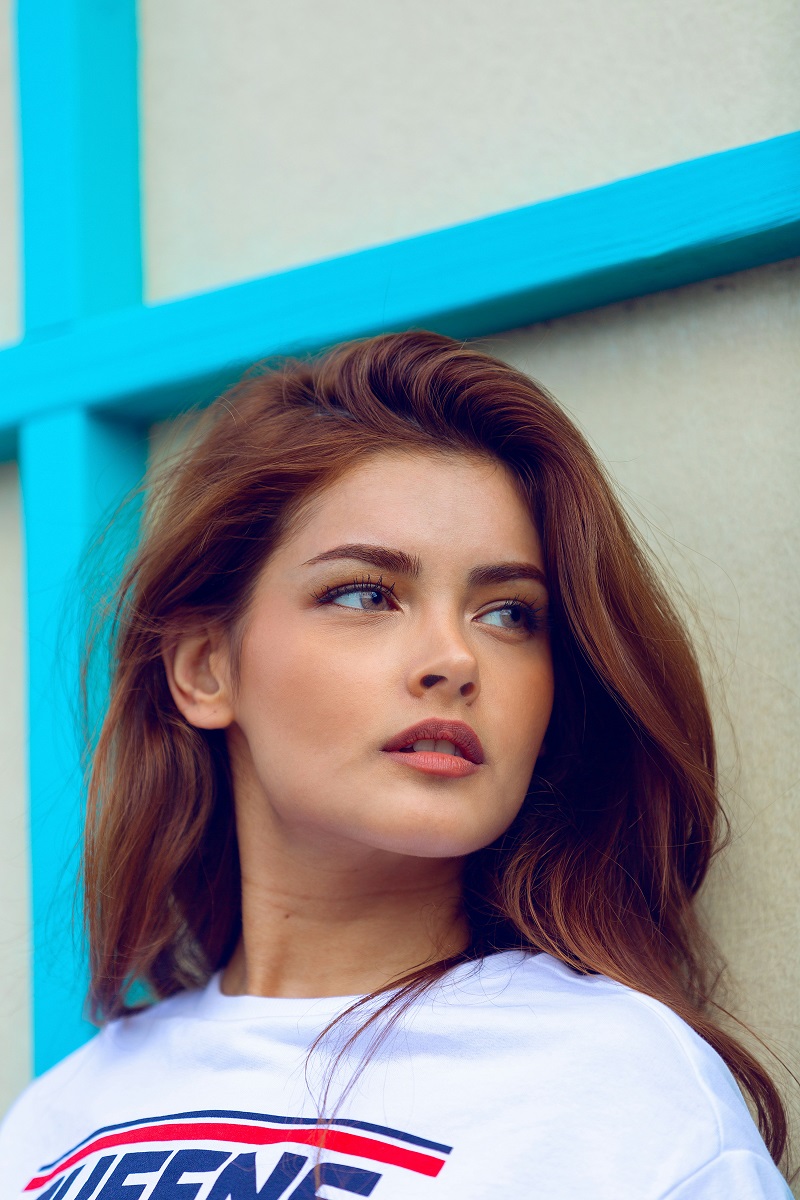
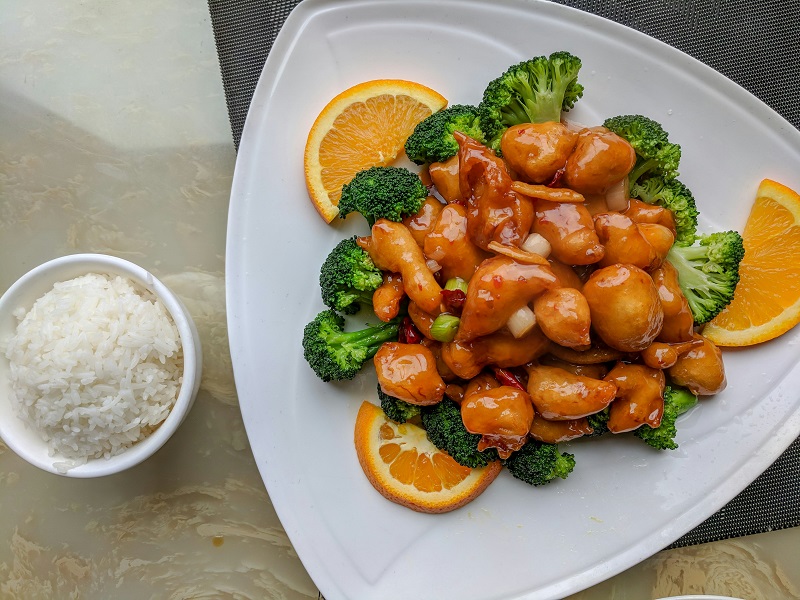
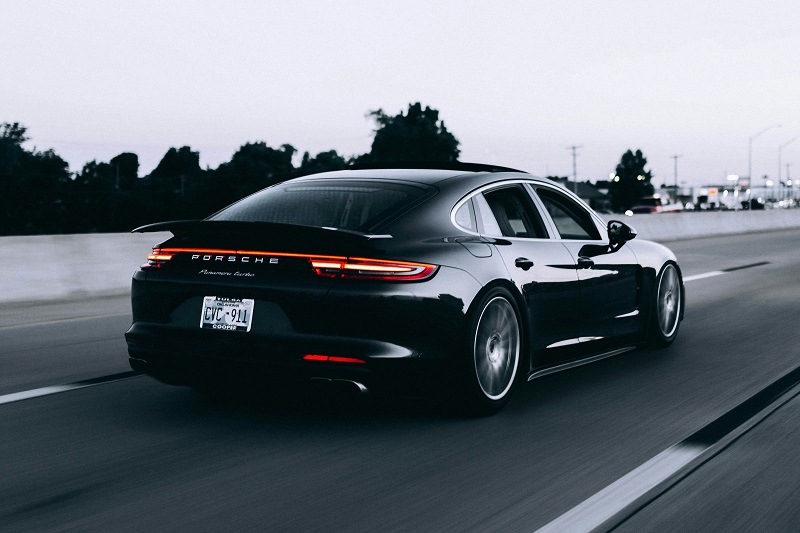
Instagram captions from real photos
Real captions generated from real images — ready to paste.



How it works
Photo to Instagram caption in 3 steps
Why it works
Why these captions perform on Instagram
Generic captions get ignored. Instagram rewards captions that match the visual energy.
Part of the caption generator toolkit — also see the general caption tool.
Instagram captions that match the visual energy outperform generic templates. This reads your image and writes captions in the format Instagram's algorithm rewards.
Instagram caption formulas that drive engagement
The highest-performing Instagram captions follow repeatable structures. The Hook-Value-CTA formula opens with a scroll-stopping line, delivers insight or entertainment, then asks the reader to act. The Micro-Story formula compresses a personal experience into 3-4 sentences that end with a universal lesson. The List formula uses numbered tips that encourage saves.
Hashtag placement matters too. Captions with hashtags woven into the text often outperform captions with hashtags dumped at the bottom, although the gap varies by niche and audience. This tool places hashtags based on what your image actually contains, not from a generic trending list. A coffee shop photo gets #LatteArt and #CafeVibes, not #Love and #InstaGood.
Built for the moment when you have the photo you want to post but the caption is what holds you back. The output is in Instagram’s typical voice with hashtags shaped for the format, ready for you to edit into your own tone before posting.
FAQ
Frequently asked questions
Related tools
Continue your workflow
How to write Instagram captions that actually perform
Instagram captions serve two audiences at once — the algorithm and the reader — and the captions that work tend to satisfy both at the same time. Below is a short editorial primer on how Instagram captions actually work in 2026, what AI handles well, and what the human still needs to do.
How the Instagram caption fits into the algorithm
The Instagram feed algorithm scores posts on engagement signals, but engagement is measured at the post level, not the caption level. The caption’s job is to extend the time a viewer spends on the post and to nudge them toward an action that the algorithm reads as engagement: a save, a share, a comment, or a profile-tap. A short witty caption can outperform a long story-led caption if it earns more saves; a long story-led caption can outperform a witty one if it earns more time-on-post. There is no single “right” length.
The first 125 characters are the visible-by-default portion before the “more” truncation. This is the hook. Past 125 characters, the reader has already chosen to engage with the caption, so the rest of the caption can be longer-form. If the first 125 characters do not earn the “more” tap, the rest of the caption is invisible, and a 1,500-character post-mortem about the photo gets read by no one. Front-loading the most interesting line is the single highest-leverage edit on most Instagram captions.
What works on each Instagram format
Instagram is not one format; it is four. Each one rewards a different caption shape.
Feed posts work well with mid-length captions (200 to 700 characters) that lead with a hook, deliver a small piece of value (a tip, a behind-the-scenes detail, a relatable observation), and close with a comment-prompting question. Hashtags can sit at the end of the caption or in the first comment with no measurable difference in reach. Most accounts that look professional keep captions under 700 characters and use 5 to 10 relevant hashtags.
Reels reward shorter captions (under 150 characters typically). The video is doing the work; the caption is context, not content. A two-line caption that names the topic and includes a couple of relevant hashtags usually outperforms a long descriptive caption, because Reel viewers scroll fast and the caption needs to be readable in the second the viewer pauses.
Carousels are the format that most rewards long captions, because carousels reward time-on-post and the caption is part of the time. A 1,000- to 1,500-character caption that walks through the carousel slide by slide, or that tells the story behind the carousel, will outperform a short caption on the same content. This is the format where most of the “long Instagram caption” advice was originally written for.
Stories do not have captions in the feed-caption sense, but the on-image text overlay serves the same function. The convention is one to two short sentences plus an optional sticker (poll, question, link). Long story text reads as cluttered; short story text feels native.
What AI captioning gets right and wrong on Instagram specifically
After running a vision-language model across a few hundred Instagram-style images, a clear pattern emerges in what works first-pass and what consistently needs editing.
What works first-pass: product flat-lays, food photography, travel landscapes, fashion outfit shots, before/after content, and any post where the descriptive layer is the actual value. The AI sees the image and writes a caption that describes what is interesting about it. Output usually ships with one or two quick edits.
What needs more editing: personal posts, story-led posts, posts where the hook is an emotion or context the AI cannot see (a birthday, a difficult week, an inside joke). The AI will produce a competent description, but the description is rarely the right caption. The right caption needs the human-supplied context layer that the model has no way to know about.
What AI captioning is bad at: trend-aware captions. The AI does not know what audio is trending, what format is hot this week, what phrase is currently viral on the platform. If the goal is to ride a trend, the caption needs to come from a human plugged into the platform’s current state, not from a vision-language model.
Hashtag strategy for Instagram in 2026
The hashtag rules have shifted several times since Instagram launched, and a few patterns have stabilised in the post-2024 algorithm.
Use 5 to 10 hashtags, not 30. Stuffing 30 hashtags was a 2018 strategy. Past about 12 hashtags, marginal reach falls off and the post starts looking like marketing. Most accounts that look organic use fewer hashtags than the maximum the platform allows.
Mix volume and niche. A useful hashtag set blends 1 to 2 high-volume tags (millions of posts), 3 to 5 mid-volume tags (10K to 500K posts), and 2 to 3 niche tags (under 10K posts). The niche tags are where you actually rank; the high-volume tags add discovery noise but no rank.
Image-relevant beats trending. Hashtags pulled from what is actually in the photo (a coffee shop scene gets #LatteArt and #CafeVibes) outperform hashtags pulled from a generic trending list (#Love, #InstaGood, #PhotoOfTheDay). Generic high-volume hashtags now signal “automated post” to the algorithm, which can suppress reach.
Hashtag placement matters less than it used to. The old advice was “put hashtags in the first comment to keep the caption clean.” The current data does not show a meaningful reach difference between caption-end hashtags and first-comment hashtags. Pick whichever looks cleaner for your aesthetic; the algorithm does not care.
The three edits most AI Instagram captions need
Auto-generated Instagram captions typically need three small edits before they are publishable:
1. Strengthen the first 125 characters. The AI’s first sentence is usually descriptive. The first sentence on Instagram needs to be hook-y. Rewriting just the opening sentence — turning “Beautiful sunset at the beach today” into “Spent 90 minutes waiting for this light” — usually improves the caption more than rewriting the whole thing.
2. Cut one or two adjectives. AI captions tend to over-modify nouns. “Stunning views of the breathtaking ocean” reads as marketing. “Views of the ocean” reads as a person. The third or fourth pass on a caption is almost always a deletion pass, not an addition pass.
3. Add the personal beat. The detail the AI cannot see — why this photo, what the day was like, who is in the frame and what they mean to you. One short sentence of context turns a generic caption into a personal one. This is the part of the caption that the AI can never write, because it does not know.
When this tool is the wrong choice
Two cases where reaching for an AI Instagram caption generator is the wrong move.
You are posting about something specifically meaningful. If the caption is the whole point of the post — a memorial, a milestone, a personal essay — write it yourself. The AI cannot replicate the voice that makes that kind of post worth posting, and using an AI draft as a starting point tends to dilute the writing rather than help it.
You are running a brand voice across hundreds of posts. A general-purpose tool will not maintain a consistent brand voice. The right approach for that is a fixed prompt template plus a brand-voice context string, which produces consistent output but requires setup work the on-page tool does not do. For occasional or personal use, this tool is fine; for at-scale brand work, the right answer is the API directly with a custom prompt.
For non-Instagram captions, see the universal caption generator, the LinkedIn caption generator, or the TikTok caption generator for hook-driven short captions.