Stop guessing Flux.1 keywords — get usable Flux prompts in seconds
Flux wants prose, not tag syntax. Get full descriptive sentences shaped for Flux.1 Dev’s training distribution.
Upload → generate → copy in seconds.
Free · Natural language · No signup
Real Examples You Can Copy
Sentence-style prompts tuned for Flux.1
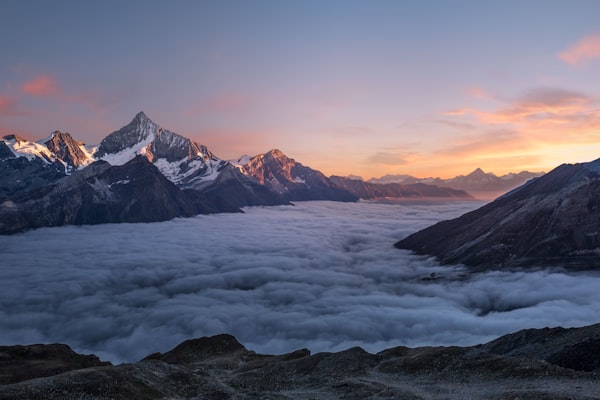
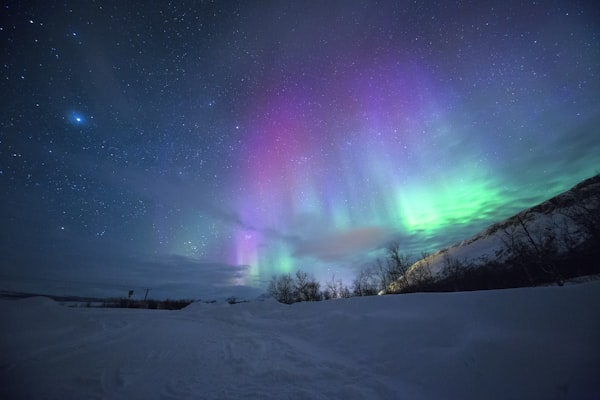
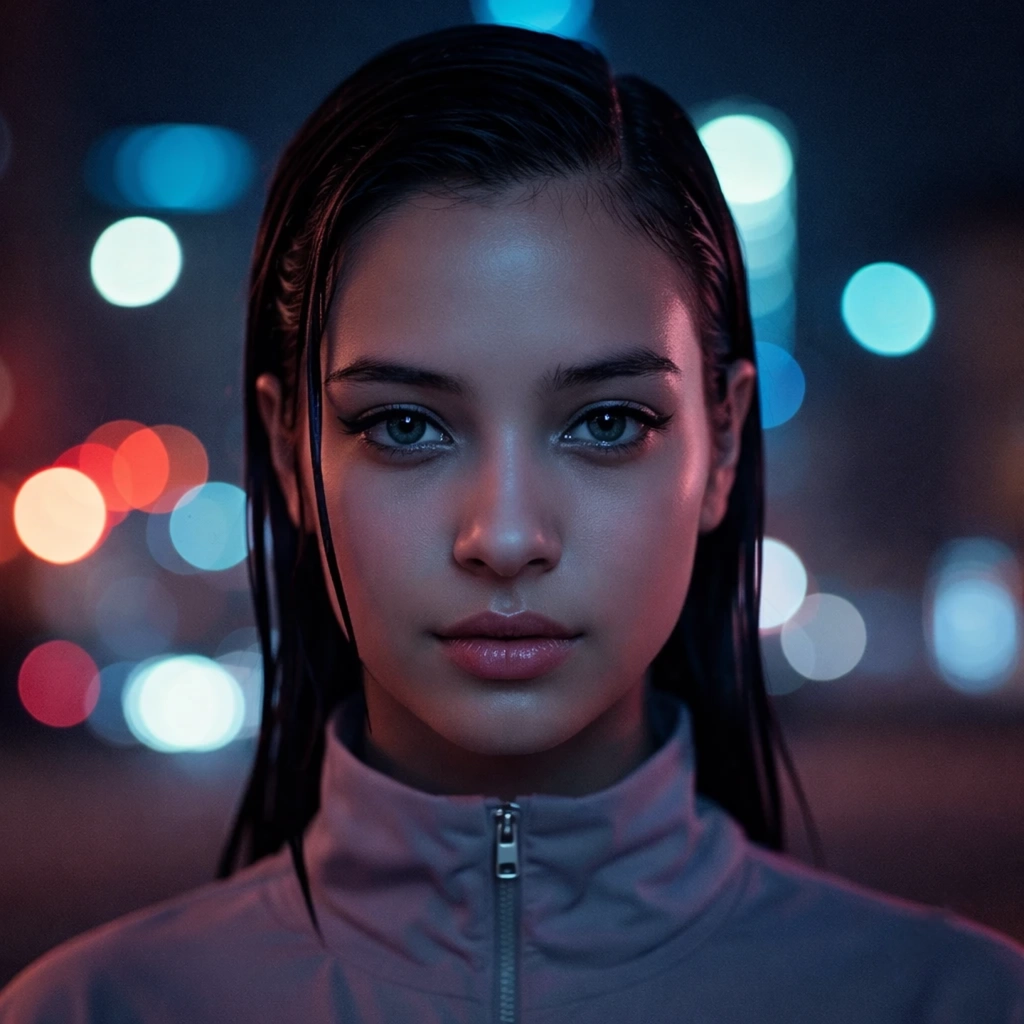
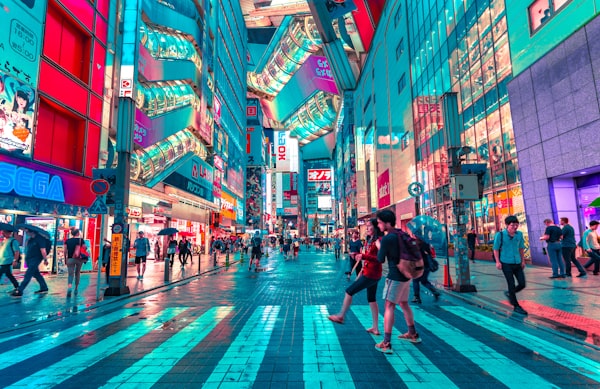
Real prompts generated from real images — ready to use.


How to Use This Tool
Image to Flux prompt in 3 steps
Why it works
Why natural language works better for Flux
Flux.1 interprets natural-language prose better than tag syntax — this writes in that register.
Part of the image-to-prompt toolkit. Also works with other models — try the Midjourney generator, Stable Diffusion generator, or Gemini generator.
Why Flux prefers natural language
Flux.1 was trained on descriptive sentence-level captions, not keyword lists. Tag-heavy prompts that work in Stable Diffusion often underperform in Flux because the model expects prose describing subject, scene, and lighting as connected ideas rather than isolated tokens.
Flux.1 Dev was trained on natural-language captions, so prompts written as full descriptive sentences perform better than keyword-stacked ones. This page produces that style of prompt directly from an image, which spares you the rewrite step when moving from other models to Flux.
FAQ
Frequently asked questions
Related tools
Continue your workflow
Comparing Flux output against another model? Run the same image through any of the generators below to see how each one phrases the same scene.
How Flux prompts actually work
Flux prompts look more like photo captions than image-generation prompts. The model rewards descriptive sentences with prepositional phrases, not comma-separated keyword lists. Below is a short editorial primer on what makes a Flux prompt different from prompts for other models, and what to do with the output of this tool.
Why Flux wants sentences, not keywords
Flux.1 Dev uses a T5-XXL text encoder alongside CLIP, which is uncommon among image models. T5 was trained on long natural-language captions and reads input as connected prose rather than discrete tokens. The practical effect: a 30-word descriptive sentence about a scene produces noticeably better Flux output than the same information broken into 30 comma-separated keywords.
This is the opposite of how Stable Diffusion responds. SDXL is built around token-level weighting and rewards keyword stacking; Flux treats keyword stacking as noise. A working SDXL prompt run through Flux usually produces flat, generic output — not because the content is wrong, but because the format is wrong for the encoder.
Flux is more permissive about prompt length
Where Midjourney and Stable Diffusion start losing coherence past 75 tokens, Flux handles 150-200 tokens cleanly. The model integrates more constraints simultaneously and tends not to drop elements as the prompt gets longer.
This means you can describe a scene in real detail — “a quiet kitchen at dawn, light coming through a single east-facing window, a half-empty mug of coffee on the counter, dust motes visible in the light beam” — and Flux will render most of those elements rather than choosing two or three to emphasise. The tool generates prompts that take advantage of this length tolerance.
Quality tags do almost nothing in Flux
The standard SD-era boosters — masterpiece, best quality, 8k, highly detailed — have minimal effect on Flux. The model was not trained on captions that include those tokens as quality signals; they read as ordinary descriptive words and add noise without improving output. The tool omits them by default.
What actually shifts Flux output is concrete description. Replacing “highly detailed” with “each leaf visible against the light” produces a more detailed image than the abstract booster. Replacing “8k” with “shot on a 50mm prime, sharp throughout” produces sharper output than the resolution claim.
What to edit before submitting
Three quick adjustments to most generated Flux prompts. Tighten the opening clause. Flux benefits from a strong subject statement at the start of the prompt; if the tool buried the subject behind an introductory phrase, swap them. Add one cinematographic detail. A specific lens, a film stock, a lighting direction — Flux integrates these well. Cut hedging language. Phrases like “possibly,” “appears to,” or “might be” sometimes leak in from the vision model’s description; image generators do not handle uncertainty markers well, so strip them.
For prompts in other models’ formats, see the Midjourney generator, Stable Diffusion generator, or the generator hub for the full comparison.